

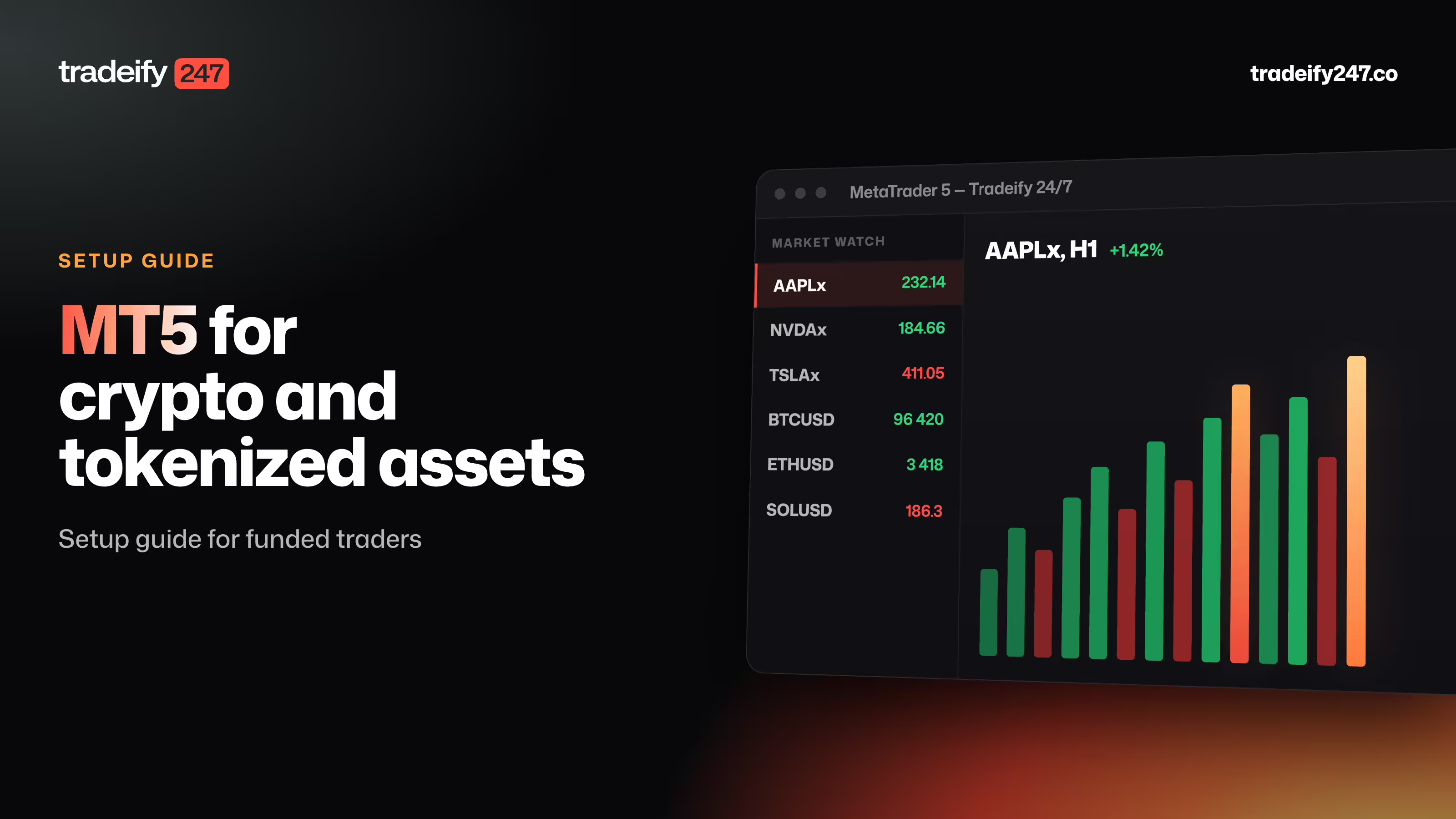
MT5 for Crypto and Tokenized Assets: Setup Guide for Funded Traders


.svg)

TL;DR: MT5 can support crypto and tokenized assets when the connected prop-firm server offers them. A safe funded-trader setup requires the exact login, password, and server; visible live quotes; the correct evaluation or funded account; every eligible symbol shown in Market Watch; and a contract-specification check covering lot value, tick size, volume step, trading hours, funding, stops, and margin. Calculate volume from dollar risk and stop distance, place the first permitted test order at minimum size, and confirm regional platform eligibility before installation.
The MT5 login works. Prices are moving. That does not mean the account is ready for a funded trade.
A funded-account server can use different symbol names, contract sizes, trading hours, and rules from the MT5 setup you already know. One unchecked specification can turn the right market idea into the wrong position size.
Use the first session to verify the connection, instrument specifications, loss limits, and order calculations. The goal is simple: remove platform mistakes before account performance is at stake.
Check MT5 Eligibility Before Setup
Platform availability comes first. A prop firm may offer MT5 only in certain countries or assign another platform by region. One current example is Tradeify 247, whose Terms of Use states that MT5 is not available to U.S. clients and that U.S. clients can use DXTrade.
Do not work around a regional restriction by using a different address, identity, or network location. Use the platform assigned to your verified account.
Eligible MT5 users should also confirm:
- the selected funding path and account size;
- whether the account is an evaluation or funded stage;
- the current daily loss and maximum loss amounts: 3% daily and 6% maximum on 1-Step, 2-Step, and Instant Funding, or 3% daily and 10% static maximum on the $247,000 3-Step promotion ($7,410 and $24,700);
- the correct MT5 server name;
- the login ID and password issued for that account.
Choose the Right MT5 Funded Account
Funded programs may use an evaluation, multiple evaluation stages, or an immediate-funded path. The setup process should identify the exact account stage because balances, objectives, loss limits, and permissions can change after a pass.
Record the account balance, daily loss limit, maximum loss limit, drawdown type, and reset time before opening MT5. On Tradeify 247, 1-Step, 2-Step, and Instant Funding use 3% daily and 6% maximum limits; the $247,000 3-Step promotion uses a 3% daily limit and a 10% static maximum. The reset occurs at 22:00 UTC every day, weekends included. These numbers matter more to order size than the headline account label.
Choose based on usable risk, not the headline balance. If a strategy normally risks $100 per trade, calculate how many normal losses fit between current equity and each account boundary. A larger nominal account does not help if the trader sizes every position to the maximum available margin.
Install MT5 From a Trusted Source
Use the installation link supplied in the prop-firm dashboard or account email. Verify that any standard MetaTrader installer comes from MetaQuotes. Avoid third-party download sites and modified installers.
MetaTrader’s getting-started documentation covers the desktop platform, interface, account connection, and first trade. Mobile users should install the official app from their device’s recognized app store, then use the same firm-provided server search and credentials.
After installation, open MT5 and allow it to finish loading before entering account details. A spinning connection indicator or incomplete server list can cause a correct login to appear invalid.
Connect MT5 to a Funded Account
The account connection requires three exact values: login, password, and server. MetaTrader’s official account authorization guide explains that users can choose “Login to Trade Account” from the File menu or Navigator and then enter those credentials.
Use this sequence:
- Open the File menu and choose the trade-account login option.
- Enter the numeric or assigned login exactly as provided.
- Paste the password without adding a space before or after it.
- Select the exact prop-firm server for the account.
- Save the password only on a private, secured device.
- Wait for live quotes and the connection indicator.
If several similarly named servers appear, do not guess. Evaluation and funded accounts may use different server entries. Confirm the server in the dashboard or with official support.
Verify the MT5 Account Connection
A successful login should show the expected account number and balance. Open the Toolbox or Trade area and compare the displayed balance with the account purchased or assigned.
Then check four signals:
- Bid and ask prices are updating.
- The Journal does not show an authorization error.
- The account is not connected with an investor or read-only password.
- The server time and trade status are visible.
Do not place an order if the balance, account stage, or server does not match. A technically correct trade on the wrong account is still the wrong trade.
Show Crypto and Tokenized Assets in MT5
MT5 often hides symbols that are not in the default Market Watch list. A missing Bitcoin, Apple, Tesla, or NVIDIA symbol does not necessarily mean the account lacks access.
Open Market Watch, choose the symbols view, and show the eligible groups. MetaTrader’s Market Watch guide explains that this window provides quotes, price statistics, tick charts, and access to instrument specifications.
Search by company or asset name as well as familiar ticker. A trading server may use a suffix or prefix to distinguish its contract. For example, an Apple-linked symbol may not be displayed simply as AAPL.
Before opening a chart, verify that the symbol is live. A grayed-out instrument, unchanged quote, or disabled order button can indicate a closed, view-only, or unavailable market.
Do not force a workaround. Confirm the symbol and permission first, then decide whether there is a trade.
Read Every MT5 Contract Specification
Right-click the symbol and open its specification. Record:
- contract size;
- minimum and maximum volume;
- volume increment;
- tick size and tick value;
- fixed leverage and buying power: 5:1 for BTC, ETH, and commodities on 1-Step and 2-Step; 2:1 across Instant Funding; and 2:1 for altcoins, indices, and tokenized stocks on every plan, with the purchased Double Leverage add-on doubling those ratios;
- allowed order types;
- trading and quote sessions;
- stop-distance requirements;
- commission and holding costs: Tradeify 247 charges 0.04% of notional on entry and exit, with no funding, swap, overnight, or holding fee.
This step prevents a common platform error: assuming that one standard lot has the same value across BTC, ETH, AAPL-linked, and commodity-linked products. It does not.
If you cannot translate the selected volume into a dollar loss at the stop, the order is not ready.
The symbol specification also matters for 24/7 trading. A program may allow overnight and weekend holds while the live status and terms of the specific symbol still control whether an order can execute at that moment.
Configure an MT5 Chart for Funded Trading
Open a clean chart from Market Watch and set the time zone reference in your notes. MT5 charts normally use the trading server’s time, not the computer’s local time. Work out where 22:00 UTC falls on the server clock and mark it on the chart. At that boundary each day, including weekends, Tradeify 247 resets the daily loss limit and takes a closing-balance snapshot for the next day’s calculation.
Keep the first template simple:
- candles or bars at the strategy’s tested interval;
- bid and ask lines when spread matters;
- trade levels for open positions and pending orders;
- only the indicators used in the written setup;
- a visible session or time reference.
Calculate MT5 Position Size Before Entry
Start with the allowed dollar risk, then work backward to volume. Margin tells you what the platform may permit. Stop-based risk tells you what the account can absorb.
The core relationship is:
position risk = stop distance × value per price unit × volume
Contract specifications determine the value per price unit. Do not copy a forex lot-size formula into a crypto or tokenized-stock symbol without checking it.
If the planned maximum loss is $100, keep the calculated stop loss below that amount after adding a reserve for spread and slippage. For an overnight or weekend trade, the reserve should reflect the possibility of thinner liquidity.
A static drawdown does not make an account harmless. Tradeify 247 uses static drawdown on 1-Step and 2-Step evaluations and the 3-Step promotion. Instant Funding uses an End-of-Trade Trailing Balance that ratchets upward after each closed trade, is capped at the starting balance, and never moves down. Both daily and maximum-loss checks use live equity including unrealized profit and loss, so an open losing trade can breach either limit before it is closed.
Place a Test Order in MT5
Use the smallest permitted volume for the first order when the account rules allow it. MetaTrader’s trade execution guide shows the standard New Order workflow from Market Watch or the F9 shortcut.
Before sending, confirm:
- symbol;
- buy or sell direction;
- volume;
- order type;
- entry price for pending orders;
- stop loss;
- take profit;
- estimated margin and loss at the stop.
After execution, confirm the filled price and position size in the Trade tab. Check that the stop and target are attached to the correct position.
Set Up MT5 for 24/7 Positions
Around-the-clock access changes monitoring. It also creates a familiar temptation: treating every hour of movement as a reason to act.
The market can stay open while you sleep. Your plan still needs a stopping point, an alert, and a time for the next review.
For every overnight or weekend position, document:
- the maximum allowed open risk;
- the events that would invalidate the thesis;
- alert levels before the hard stop;
- remaining daily and maximum loss room;
- whether another open position shares the same catalyst;
- the next scheduled review time.
The reference stock market may be closed while a tokenized equity remains open. Expect spreads and price agreement to change during those hours. Reduce size when the market is thin rather than widening risk simply to avoid being stopped.
Understand What MT5 Is Showing
MT5 is the interface, not the asset itself. A Bitcoin symbol does not mean the trader receives Bitcoin in a wallet. An NVIDIA-linked symbol does not mean the trader owns NVDA shares.
A simulated prop program may use notional capital and synthetic price references. A tokenized equity shown in MT5 does not provide ownership, dividend, voting, or shareholder rights unless the product terms expressly say otherwise. The platform position is not automatically a personal investment holding.
Fix Common MT5 Setup Problems
Invalid account: Recheck the login, password, and exact server. Confirm that the account has been activated and that the password is not the read-only credential.
No prop-firm server found: Use the broker or server search provided in the login window, then compare the name with the dashboard. Contact official support instead of selecting a similar server.
Crypto or tokenized stocks missing: Open the full Symbols list and show the relevant groups. Search by description and ticker variations.
Trade button disabled: Check regional access, account status, market session, symbol permissions, minimum volume, and available margin.
Unexpected position size: Reopen the contract specification. Lot value, tick value, and volume increments vary by instrument.
Quotes differ from another chart: Confirm that both charts show the same product. A tokenized contract, cash share, spot coin, and perpetual can have related but different prices.
MT5 Questions for Funded Traders
Does MT5 Allow Crypto Trading?
MT5 can display and trade crypto-linked instruments when the connected server offers them. The platform itself does not determine the available markets; the firm’s server and account permissions do.
Can All Funded Traders Use MT5?
No. Platform access depends on the firm and region. Tradeify 247’s current terms, for example, state that MT5 is not available to U.S. clients, who use DXTrade.
Can MT5 Keep a Position Open Over the Weekend?
Yes when the account rules and the specific instrument permit it. Confirm symbol status, holding costs, and account-loss calculations before leaving a position open.
Before the first funded order, use the smallest permitted size to verify the contract value, stop behavior, and platform connection. Scale only after the numbers match the plan.
Why Does My MT5 Price Differ From the Stock Price?
You may be viewing a synthetic tokenized instrument rather than the cash share. Different trading hours, liquidity, reference methods, spreads, and order flow can create temporary differences.

Keep Reading
See all
Are Tokenized Stocks Safe and What Risks to Check First
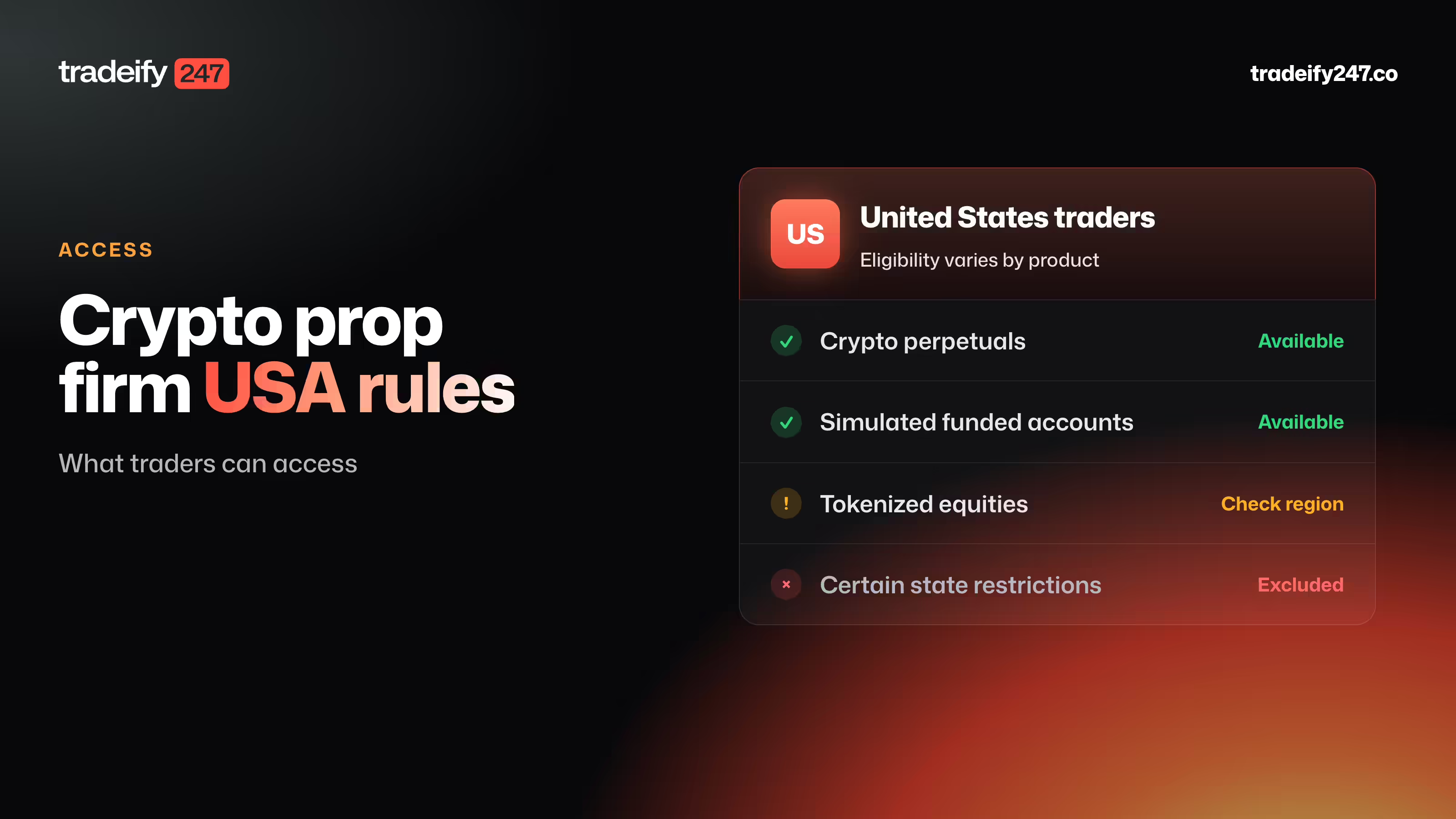
Crypto Prop Firm USA Rules and What Traders Can Access